Check your inbox
Payhip sends your download links to the email address you used at checkout. Download the main guide and the Quick Start & Access Guide.
Can’t see it? Check Spam, Junk or Promotions.After a successful purchase, Payhip sends your download links to the email address used at checkout. Your Launch Edition includes Full Access to the Safe Screens Family Check-Up.
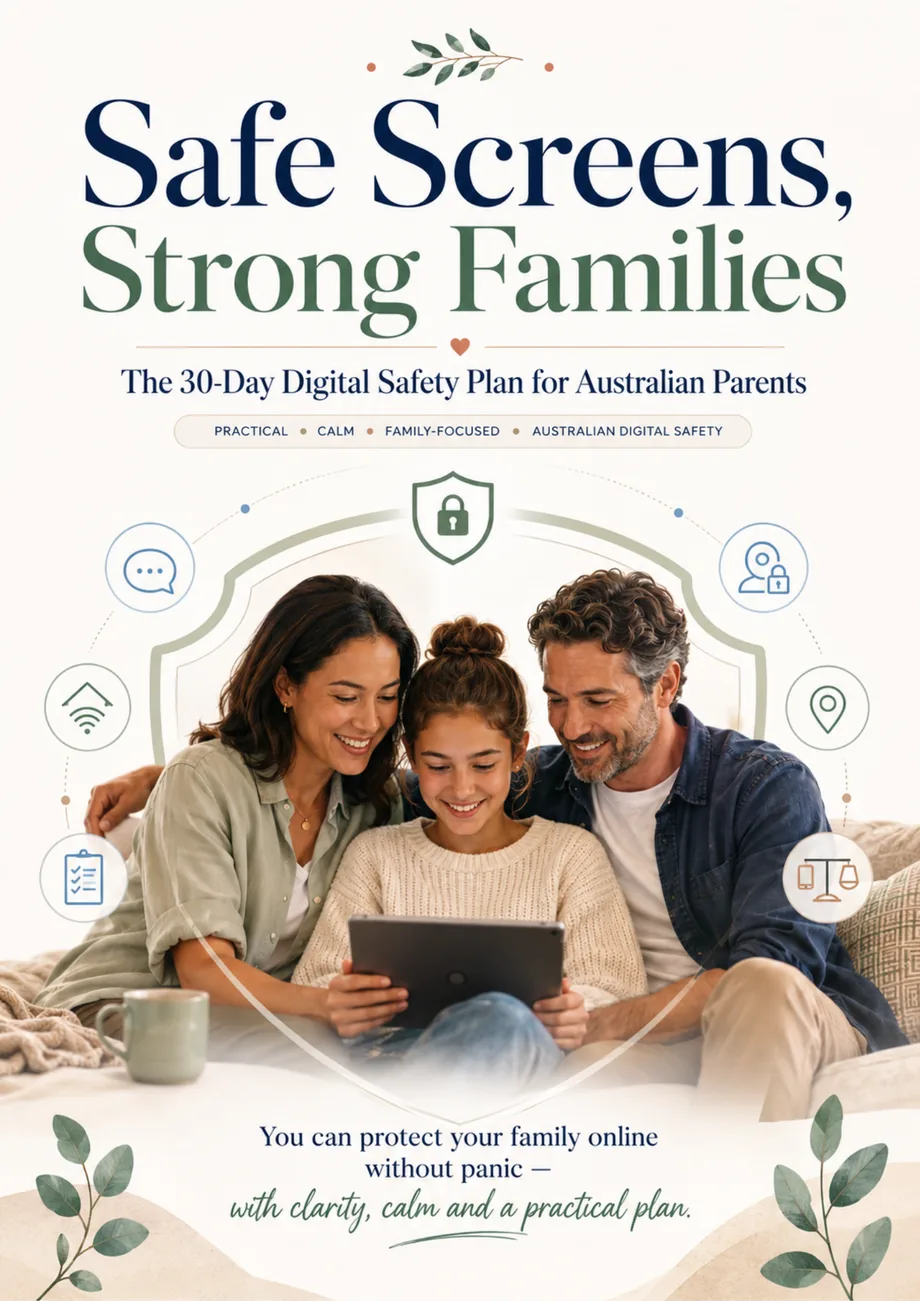
Complete the Check-Up, review your Results and follow your practical Action Plan.
You do not need to complete everything today. Start with access, then move through the resources at your own pace.
Payhip sends your download links to the email address you used at checkout. Download the main guide and the Quick Start & Access Guide.
Can’t see it? Check Spam, Junk or Promotions.The Quick Start Guide shows you how to open the app, save it to your device and return to it whenever you need it.
Keep the purchase email somewhere easy to find.Create your family profile, complete the Check-Up and use your Results to build a practical Action Plan.
Open the Family Check-Up →Open the app on the device you plan to use most often, then add it to your Home Screen or bookmark it. Your saved family information is stored locally on that device.
Use the button below whenever you’re ready to continue.
Open the App app.safescreensstrongfamilies.onlineClearing browser/app data, changing browsers or losing the device may remove saved Check-Ups, Results and Action Plans. Cloud backup is not included in the Launch Edition.
For everyday privacy, keep your device protected with the security settings you normally use and avoid entering passwords, card numbers or highly sensitive account credentials into notes.
If you cannot find your Payhip download email or have trouble opening the Family Check-Up, contact us and include the email address used for your purchase.
Start with the Family Check-Up, focus on what matters most and build safer habits one practical action at a time.
Start Your Family Check-Up